
How Expliciet automates meeting notes with an A.I. notetaker
Automatic meeting reports in SharePoint for a marketing agency with 40 employees.
- Services
- Automation
- Platform
- Leexi · n8n · SharePoint · Outlook · Teams · Teamleader

Project Overview
Who is Expliciet?
Expliciet is a full-service marketing agency from Diepenbeek in Limburg. More than 40 experts work there on strategy, branding, campaigns and always-on marketing for over 100 clients. The agency runs entirely on the Microsoft stack, with Outlook, Teams and SharePoint, and uses Teamleader for client management.
The team has a lot of client contact. Account and project managers are in meetings all day, both online via Teams and in person at the client's office. About 60 percent of meetings happen online, 40 percent on location. After every meeting, someone had to write up the notes, send out the follow-ups, and file everything in the right place. That took a lot of time and wasn't always done the same way twice.
The challenge
Expliciet had already experimented with several A.I. tools, but there was no company-wide rollout yet. Notes ended up scattered across OneNote and SharePoint. The Head of Digital came to Flowkify with a clear question:
"How do we make sure every meeting automatically produces a good report that lands in the right place in SharePoint, without our people losing any more time on it?"
Project Delivery
The approach
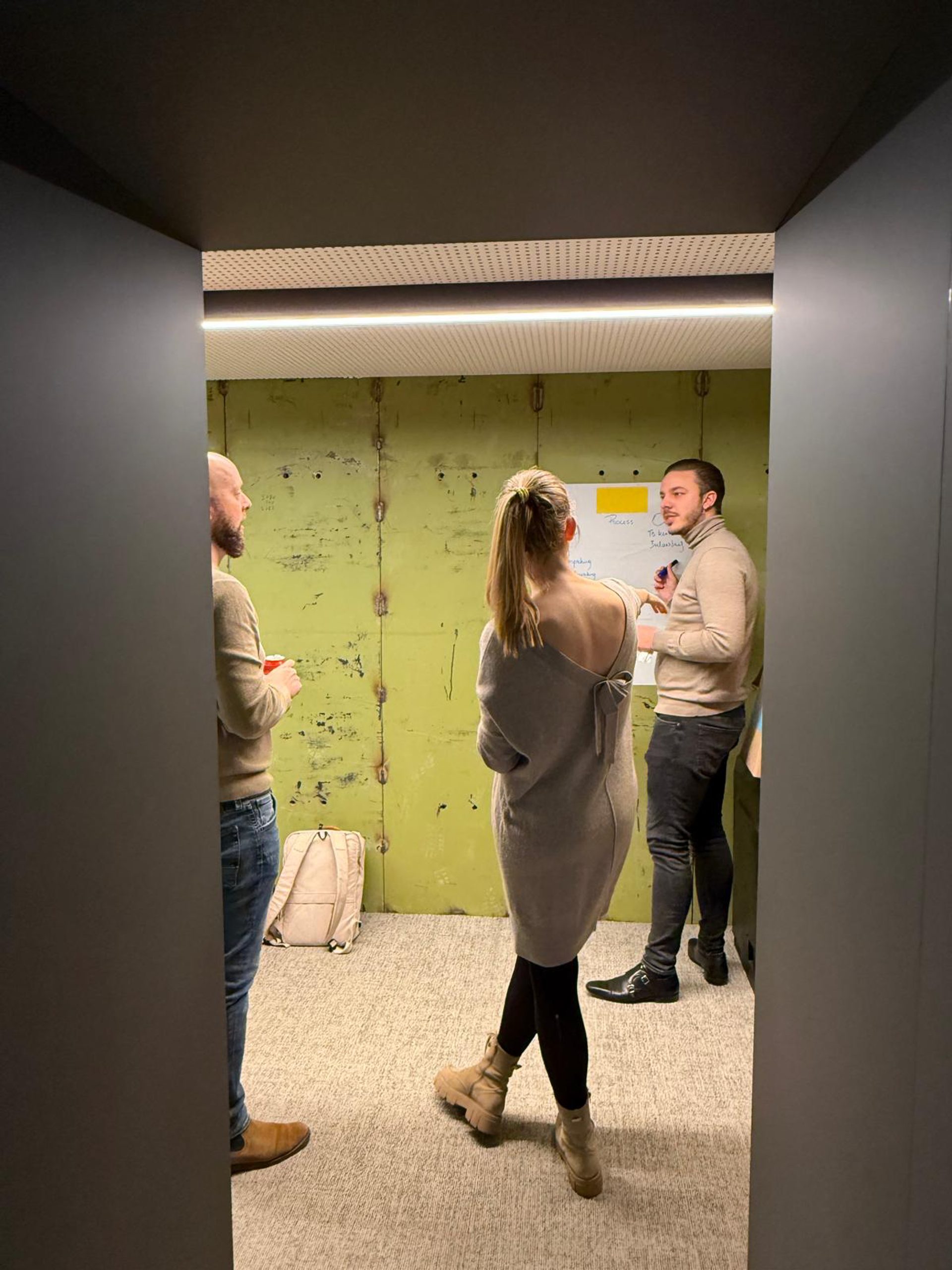
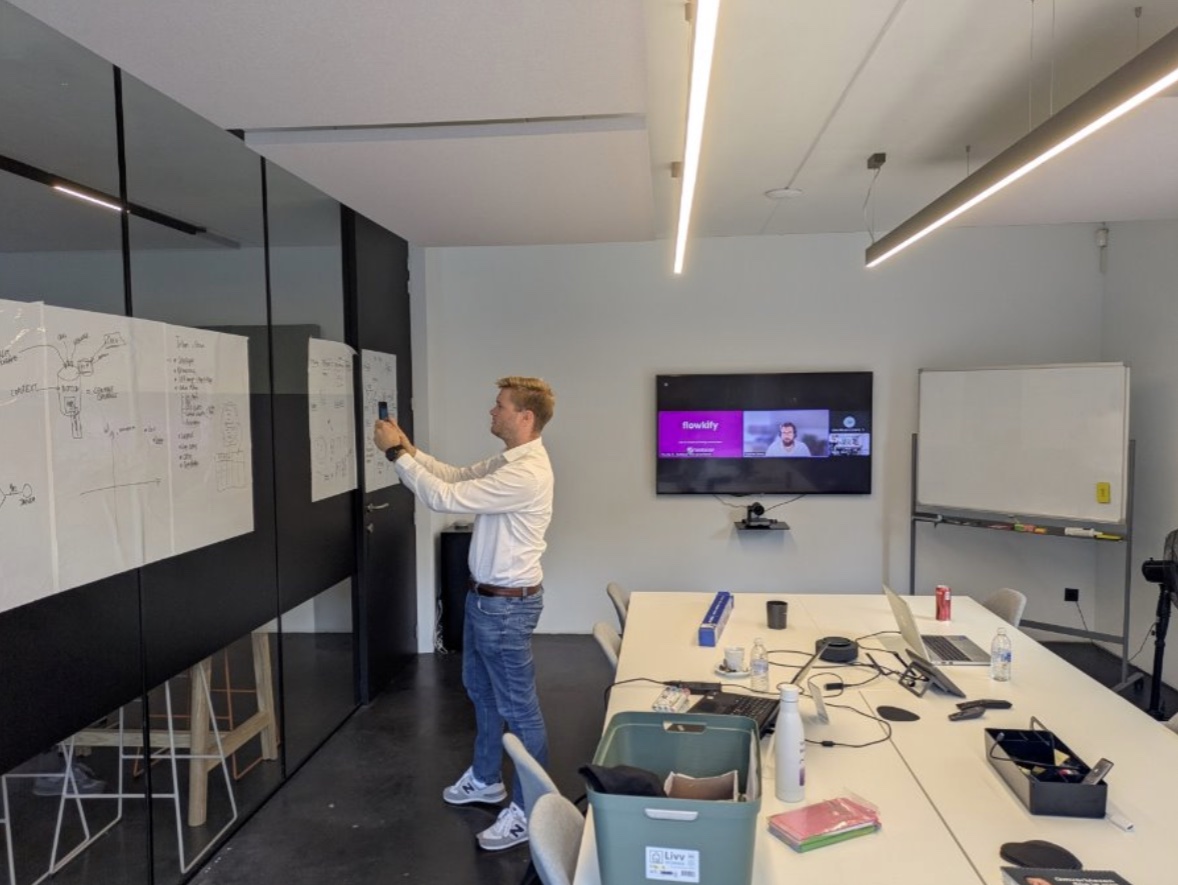
We started with an exploratory conversation where we mapped out four possible A.I. applications together: an agent that checks websites technically, an A.I. notetaker, a tool that turns interviews into blog posts, and A.I. support for data analysis.
Of those four, the notetaker rose to the top as the first step. The reason is simple: it touches almost every employee, the time saved is immediately visible, and it lays the foundation for everything else. All client knowledge ends up structured in SharePoint this way, where you can later feed it into A.I. tools like Copilot.
A demo with the full team followed, then a kickoff session where we set up the environment together with Expliciet and their IT partner.
1. A.I. notetaker linked to the calendar
We connected Leexi, our go-to A.I. notetaker, to the team's Outlook calendars.
Here's how it works:
- The notetaker automatically joins external meetings. You can switch it on or off for internal meetings yourself.
- Calls shorter than 90 seconds aren't recorded, so your archive doesn't fill up with noise.
- Dutch and English are both recognized. There's also a glossary where you add industry terms and brand names that would otherwise get misheard.
- After the meeting you get a transcript, a summary and a list of action points.
The benefit: you no longer have to type along during a client conversation and can focus fully on the conversation itself.
2. Automatic reports in SharePoint via n8n
Alongside the notetaker itself, we built an automation in n8n, a platform for connecting systems together without programming everything yourself.
Here's how it works:
- As soon as a meeting is processed, Leexi sends a signal to the automation.
- The automation pulls the report, the transcript and the action points.
- The report gets formatted with Expliciet's logo and house style.
- The file lands automatically in SharePoint, and the report goes out by email to the organizer and the attendees.
The benefit: nobody has to copy, format or forward a report anymore. You check the report, and it's already in the right place.
3. In-person meetings via the mobile app
Since 40 percent of meetings happen at the client's location, we also set up the mobile app. You use your phone as a voice recorder. The recording syncs automatically with your account and runs through the same automation as an online meeting.
The benefit: on-location conversations produce a report too, without a laptop on the table.
4. Teams, roles and permissions
We grouped users into teams, for example commercial profiles and copywriters. By default, you only see your own meetings. Sharing can happen per person or per team, and access to recordings follows the permissions already set in SharePoint. For outside parties, you can share a link with an expiry date.
The benefit: sensitive client information stays with the right people, without having to manage a second permissions structure.
5. Asking questions about your meetings
With the search function, you can ask questions about past conversations. For example: where did we discuss the planning for this campaign? Action points from every meeting come together in one task list.
Results
The notetaker is live for ten users. Among people doing the hands-on client work, A.I. now handles roughly 70 to 75 percent of note-taking. Reports and transcripts land automatically in SharePoint, instead of scattered across OneNote and personal folders.
Account and project managers no longer have to type up notes, summarize them and forward them. That now happens automatically, for both online and in-person meetings. They keep that time for the work clients actually pay for.
Expliciet has since taken the automation in-house and kept building it out in its own n8n environment. We handed over the flow and keep supporting the A.I. notetaker as a partner. The next step on the table is filing reports automatically into the right client folder, so all context per client comes together in one place.
Curious what an A.I. notetaker could mean for your agency or service business? Get in touch with Flowkify for a tailored A.I. scan.
Ready to build your case?
Tell us where it's clunky. We'll design the flow and build it, often live within a few weeks.
No-obligation call · reply within 24 hours
Other cases
More work that delivered results.
 How Dewulf Group is getting a grip on A.I. and Copilot with a governance projectA.I. governance and Power Platform governance for an international machine builder.View cases
 How Meraki went from A.I. trainings to a prioritized A.I. roadmapFrom A.I. training to a prioritized A.I. roadmap for an accounting and advisory firm.View cases
 How Conversal made a well-founded choice on which A.I. copilot moves the agency forwardFrom a broad list of ideas to one fully worked-out copilot concept, with a business case and a buy-versus-build analysis.View cases


