
The IT team now builds its own Copilot agents
Building A.I. agents with Microsoft Copilot, done by the IT and support teams themselves.
- Platform
- Microsoft Copilot · Copilot Studio · Microsoft 365 · SharePoint

Project Overview
Who is TSG Belgium?
TSG Belgium specializes in technical installations and service for fuel stations, charging infrastructure and energy solutions. The company is headquartered in Turnhout and works closely with its Dutch sister company in Dordrecht. TSG is part of the international TSG Group, active in 31 countries with more than 7,500 employees.
TSG already had Microsoft 365 in place and could see there was a lot more possible with Copilot. The problem was nobody quite knew how to get from interest to real, working use cases.
The challenge
Ine Behets, Digital Transformation & System Director at TSG, came to Flowkify with a clear question:
"How do we get our IT and support people to the point where they build their own Copilot agents, and can support colleagues in doing the same?"
TSG didn't want a theoretical course. They wanted internal champions who would actually get to work with A.I. after the training, using use cases from their own shop floor.
Project Delivery
The approach
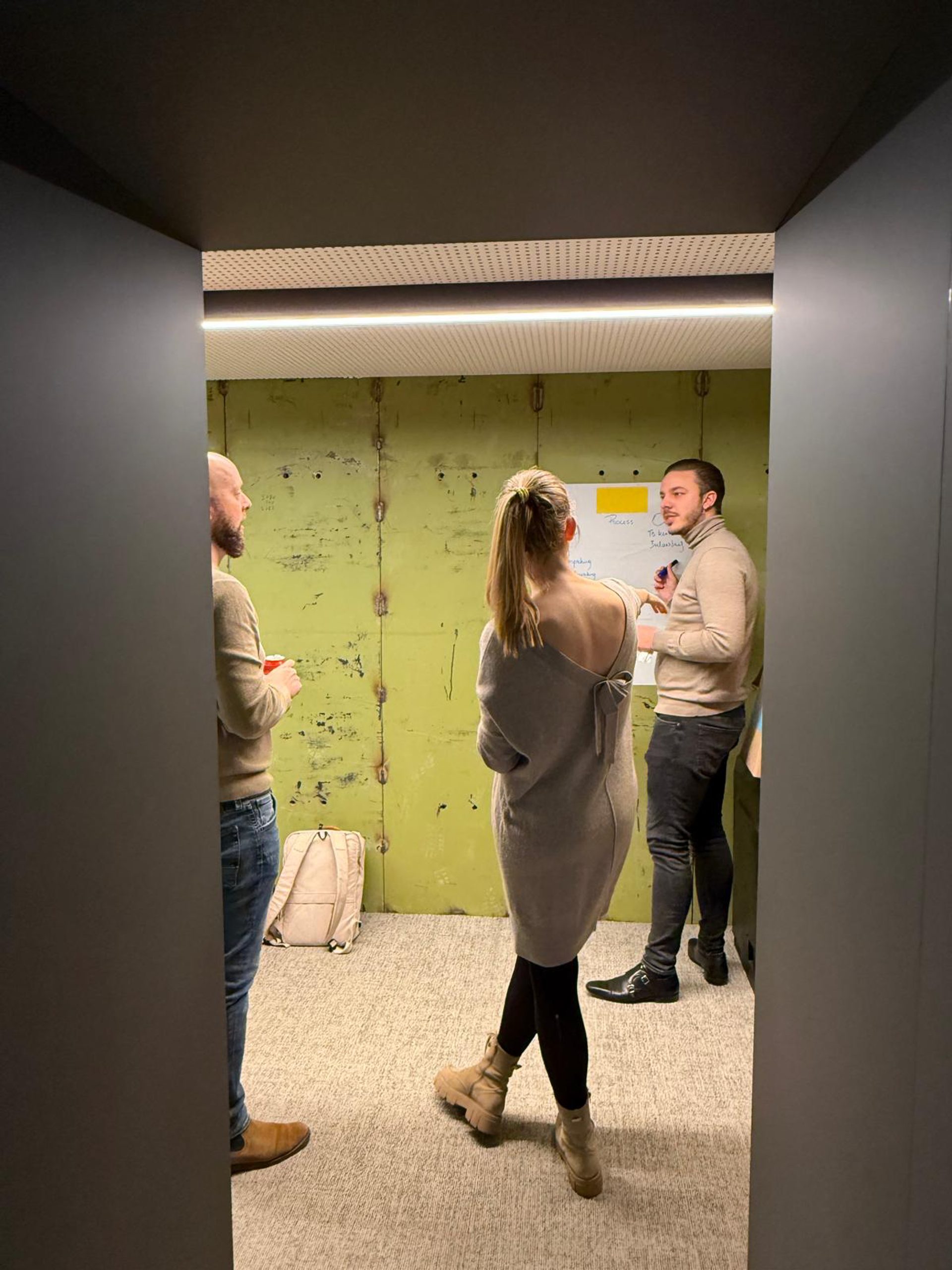
We skipped the standard training format. Before we even started, we sent an extensive questionnaire to all participants to map their processes, tools and expectations. Then came three half-days on site, with online check-ins in between. In those calls we discussed what was and wasn't working, and which concrete cases should be tackled in the next session. That way, every session built further on the previous week's practice.
The group had seven participants: IT staff, IT support officers and the digital transformation director herself. Small enough to work hands-on, broad enough to reach the wider organization.
1 · Fundamentals and prompting (Turnhout)
A half-day introduction to Copilot.
- A walkthrough of the Copilot dashboard and the right base settings per account.
- Prompting skills and techniques, practiced on the team's own documents.
- Clarity on the secure work environment and the difference between the free and paid license.
The upside: participants immediately understood what Copilot can and can't do, and kept experimenting on their own afterward.
2 · Copilot across the 365 tools and the first agents (Dordrecht)
A half-day working session built around cases TSG brought in themselves.
- Copilot in Word, Excel, PowerPoint, Outlook and Teams.
- An introduction to Copilot agents: what an agent is, and how to give one fixed instructions and its own source data.
- Building real agents together, using actual TSG documents.
Participants built, among other things, an HSE agent that lists the right personal protective equipment for each type of job, a contract-analyst agent that checks contract terms against TSG's own general terms and conditions, and an agent that drafts helpdesk emails complete with the right documentation pulled from SharePoint.
The upside: TSG walked away from a single session with working agents in hand, not a slide deck of examples.
3 · Copilot Studio and automation (Turnhout)
A half-day deep dive for those who wanted to go beyond standalone agents.
- Copilot Studio: triggers, connections to other tools and autonomous actions.
- A multi-agent setup: a dispatcher agent that reads incoming emails and routes them to specialized sub-agents.
- Applying this to shared mailboxes such as the helpdesk and sales inbox.
The upside: TSG got a realistic picture of what it takes to move from assistance to automation.
Support between sessions
Between sessions, we held online calls of no more than an hour. In these, we cleared blockers, advised on the difference between the standard Microsoft 365 Copilot license and the more advanced version, and discussed which agents should get priority. The program closed with an evaluation call and concrete next steps.
Results
Since the program ended, TSG builds its own agents without Flowkify involved. The HSE agent was tested by TSG's own HSE manager and came out at around 95 percent correct answers. With the contract-analyst agent, the team can check a contract of several hundred pages against their own terms and conditions. Deviations, like a 90-day payment term instead of 30, now surface quickly instead of requiring a full manual read-through.
TSG set itself the goal of building 10 to 15 targeted agents per department first, rather than trying to do everything at once.
The impact reaches beyond the training group too. Participants took on the role of internal ambassador and gave an introductory session to inside sales themselves. TSG also set up its own A.I. policy and a Copilot introduction on its internal e-learning platform, so new employees immediately find their way to the secure Copilot environment.
Flowkify continues to support TSG as an A.I. partner, with a focus on Copilot Studio, automating shared mailboxes and further building out their A.I. solutions.
Want your own team building A.I. agents instead of just talking about them? Get in touch with Flowkify for a custom Copilot program.
Ready to build your case?
Tell us where it's clunky. We'll design the flow and build it, often live within a few weeks.
No-obligation call · reply within 24 hours
Other cases
More work that delivered results.
 How Dewulf Group is getting a grip on A.I. and Copilot with a governance projectA.I. governance and Power Platform governance for an international machine builder.View cases
 How Meraki went from A.I. trainings to a prioritized A.I. roadmapFrom A.I. training to a prioritized A.I. roadmap for an accounting and advisory firm.View cases
 How Expliciet automates meeting notes with an A.I. notetakerAutomatic meeting reports in SharePoint for a marketing agency with 40 employees.View cases


